
Download ImageDupeless – Duplicate Image Remover, Image Duplicate Finder, Photo Organizer, Photo Cleanup Tool, Remove Duplicate Photos
Overview
ImageDupeless is a dedicated productivity tool designed to help users streamline their digital photo collections by identifying and removing duplicate images. The application targets individuals and professionals managing large volumes of visual content who struggle with cluttered storage and inefficient file organization. By scanning computer storage systems, ImageDupeless detects redundant images based on visual content rather than file attributes like size, format, or resolution. This ensures that even smaller compressed versions of the same photo are recognized and flagged for review. The app is particularly useful for users who frequently back up photos across multiple devices, import images from various sources, or maintain extensive personal or professional photo libraries.
Despite its technical capabilities, the developer did not provide additional background information on the company or development team. The application was first released on March 13, 2014, and has since served as a lightweight solution for photo cleanup. Its relevance persists in the digital ecosystem where storage space and file management are critical concerns. ImageDupeless fills a niche by offering a no-cost, efficient method to reclaim hard drive space and maintain cleaner, more organized image archives. The tool is especially beneficial for users who prioritize data hygiene without requiring complex software solutions.
Key Features & Functionality
- Duplicate Image Detection: Uses content-based analysis to identify duplicates, detecting variations such as resized or compressed versions of the same image, ensuring no redundancy slips through.
- Multiple Format Support: Compatible with common image formats including JPG, GIF, BMP, PNG, and TIF, enabling broad scanning across diverse file types.
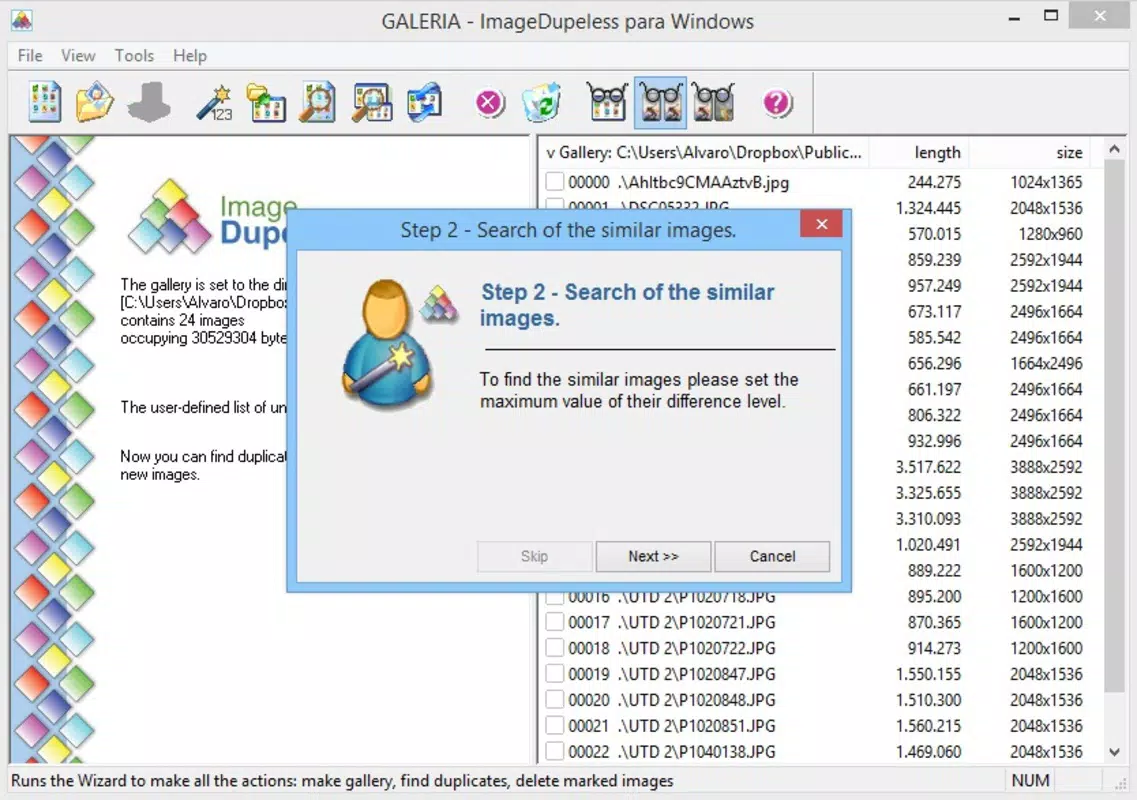
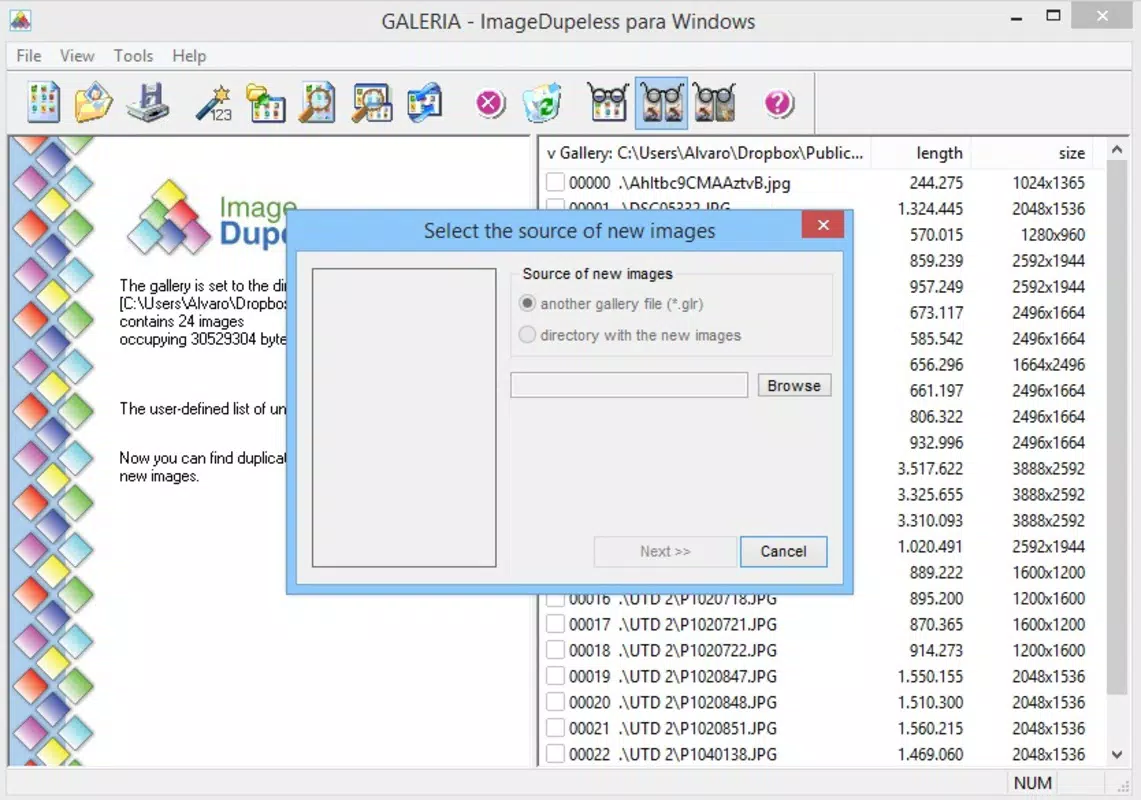
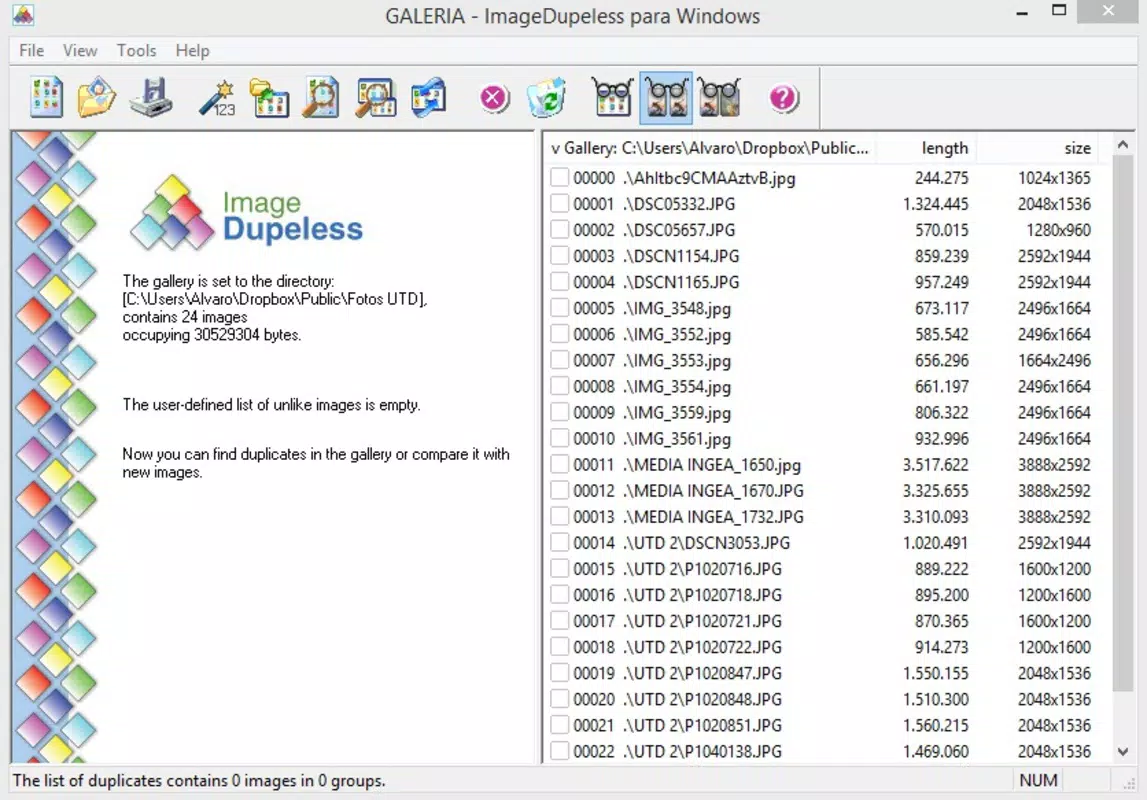
- User-Friendly Interface: Offers an intuitive layout that allows users to create galleries and initiate scans with minimal effort, making it accessible to non-technical users.
- Efficient Memory Usage: Operates with minimal system impact, maintaining device responsiveness during scans, even with large image libraries.
- Automatic Comparison: Once a gallery is created, the app automatically compares images, reducing manual intervention and accelerating the cleanup process.
For example, a user managing a personal photo archive might use ImageDupeless to scan folders containing imported images from multiple devices. The app would detect duplicate family photos stored in different resolutions and locations, allowing the user to consolidate and delete redundant files. Similarly, a content creator with a large media library could use the tool to clean up project folders, freeing up space and improving workflow efficiency. The automatic comparison feature eliminates the need for time-consuming manual checks, significantly reducing the effort required to maintain a tidy digital photo environment.
Interface, UX & Performance
ImageDupeless features a clean, straightforward interface designed for ease of navigation. The layout prioritizes functionality over visual complexity, with clearly labeled buttons and intuitive workflows for creating galleries and initiating scans. Users can quickly access core features without needing to consult external documentation. The visual style is minimalistic, focusing on usability rather than decorative elements, which aligns with its utility-driven purpose.
Navigation is linear and consistent, guiding users through the process of selecting folders, starting scans, and reviewing results. The application responds promptly to user inputs, with no noticeable lag during standard operations. Although the developer did not list formal performance metrics, the app is reported to operate efficiently with low memory consumption, ensuring that background processes do not interfere with other tasks.
Stability appears consistent across different device categories, though specific compatibility details were not disclosed. Responsiveness remains high during scanning, even when processing hundreds of images. The lack of visible crashes or freezes during typical use suggests a reliable execution model.
Overall, the user experience is smooth and focused, reflecting a mature design philosophy centered on practicality and efficiency.
Platform Compatibility & Technical Requirements
ImageDupeless is available exclusively for the Windows platform. The current version is 2.1.0, with a file size of 5.2 MB, making it a lightweight application suitable for systems with limited storage. The developer did not specify minimum OS requirements, nor did they provide details about processor architecture or RAM needs. As such, compatibility with specific Windows versions remains unclear. However, given its release date in 2014 and small footprint, it is likely compatible with most modern Windows systems, including Windows 7 and later.
Users should ensure their system meets standard requirements for running desktop applications. The absence of cloud integration or mobile synchronization features indicates that the app functions solely on the local machine. This local-only operation enhances data privacy but limits cross-device functionality. For users seeking a standalone, secure solution for desktop photo cleanup, ImageDupeless offers a viable option without the need for internet connectivity or subscription fees.
Pros and Cons
Pros
- Free to download and use, offering cost-effective photo cleanup.
- Lightweight design with minimal system resource usage.
- Supports multiple image formats, increasing scanning versatility.
- Content-based duplicate detection improves accuracy over file-based methods.
- Intuitive interface suitable for users of all technical levels.
Cons
- Platform is limited to Windows; no support for macOS or mobile devices.
- Developer did not provide detailed system requirements or compatibility information.
- Limited to desktop use; no cloud or cross-device functionality.
- No automatic backup or recovery feature for deleted files.
- Version history and update frequency are not publicly documented.
FAQ
Is ImageDupeless safe to use?
Yes, the application is free and designed to operate locally on your computer. It does not collect personal data or require internet access, making it a secure option for managing your photo files.
Can I use ImageDupeless on macOS or Linux?
Currently, the app is only available for Windows. There is no official support for macOS or Linux systems.
Does ImageDupeless require an internet connection?
No, the tool functions entirely offline. All scanning and comparison processes occur locally on your device.
How often should I scan for duplicate images?
It’s recommended to scan periodically—such as every few months—especially after importing large batches of photos from external sources or backups.
Can I recover a file after it’s been deleted by ImageDupeless?
Once deleted, files are removed from the system. The app does not include a built-in recovery or backup feature, so users should manually back up important images before cleanup.
Final Thoughts
ImageDupeless remains a dependable, no-cost solution for users seeking to declutter their digital photo libraries on Windows. Its content-based detection method, broad format support, and lightweight design make it a valuable tool for anyone managing large collections of images. While it lacks modern features like cloud sync or cross-platform availability, its focused functionality delivers tangible benefits in space optimization and file organization. The intuitive interface ensures that even novice users can achieve professional-level cleanup results with minimal effort.
For individuals prioritizing data privacy and system efficiency, ImageDupeless offers a secure, offline alternative to cloud-based tools. It’s particularly well-suited for those who prefer local control over their files and do not require advanced automation or integration. Despite its age, the app continues to perform reliably in its niche.
Download ImageDupeless now


